A question we hear again and again
“I’m building a PC for 1440p, should I get a 5060 or add more and get something else?”
This is a question we hear in the lab almost every week in recent months, and the short answer is that it all depends on the monitor. Those who stay on 1080p can save money. Those who move to 1440p, or plan to move, quickly arrive at the same card: Radeon RX 9070.
What makes this choice interesting is that these aren’t two closely matched cards. It’s a gap you can feel.
What’s in the card
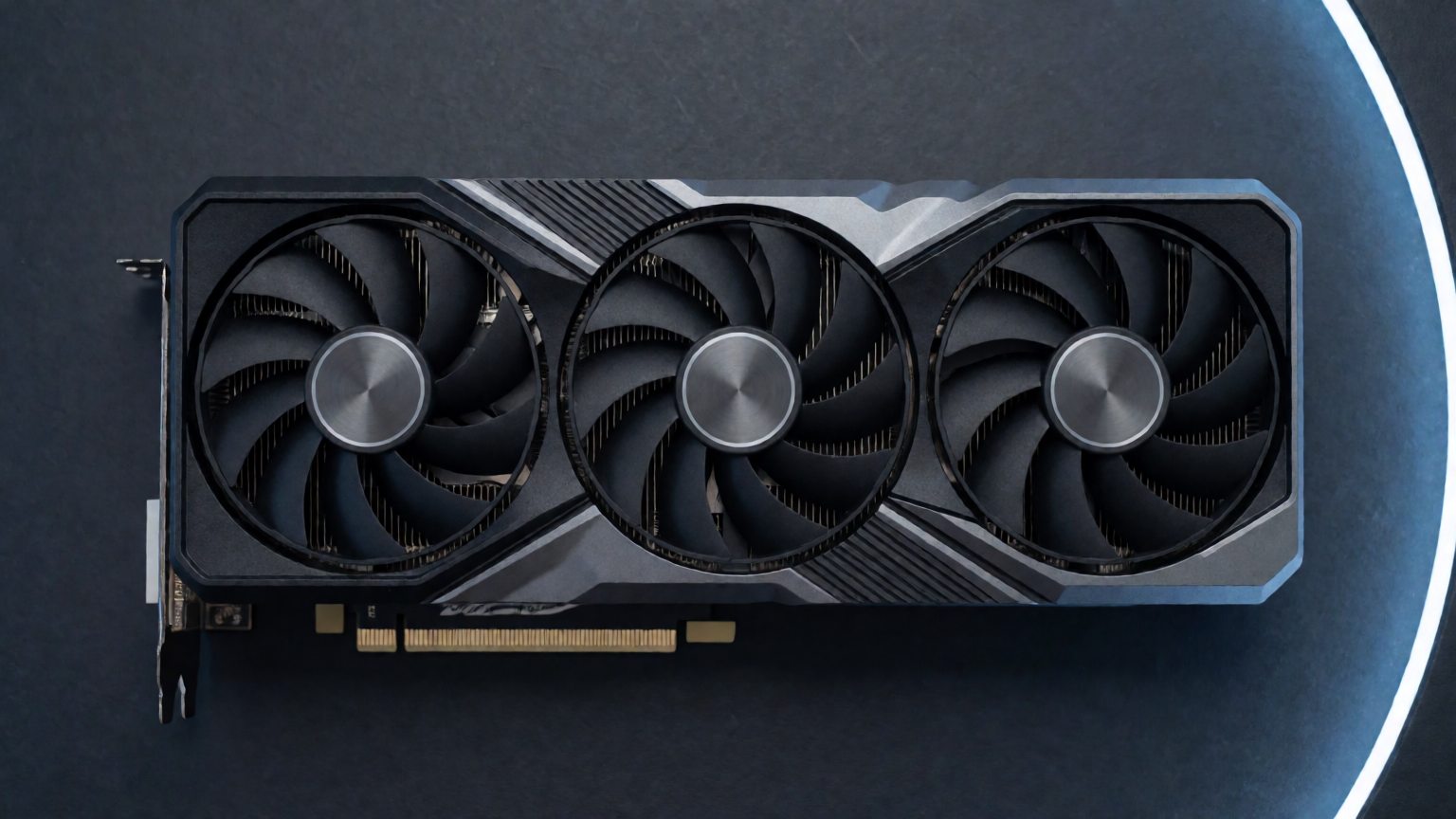
The RX 9070 is based on RDNA 4, with 16GB of GDDR6 memory on a 256-bit bus, a power draw of 220 watts, and a recommendation for a 650-watt power supply. It launched in March 2025 at a starting price of $549, exactly like NVIDIA’s RTX 5070. This price parity takes price out of the equation and leaves only performance.
Against the 5060, the gap isn’t close
In the performance database of DropReference, which collects measurements from 150 games on a Ryzen 9 9950X3D platform to avoid CPU bottlenecks, the RX 9070 is on average 28% faster than the RTX 5060 at 1440p resolution.
In light games, the gap narrows. In Counter-Strike 2, it’s only 15%, 405 frames per second versus 352. In heavier games, the picture is completely different: in Apex Legends, the gap is 34%, in Red Dead Redemption 2 it’s 41%, and in GTA V it reaches 52%.
This gap isn’t just due to raw compute power. It’s mainly due to memory: 16GB versus 8GB, on a 256-bit bus versus 128. In games with heavy textures, 8GB is the bottleneck that hits first, and that’s exactly when you lower settings to maintain stable frames.
On the other hand, the 5060 has its own good argument. It costs less, and in terms of frames per shekel, it wins. Those who play at 1080p and don’t plan to change monitors shouldn’t pay for this gap, and it’s a perfectly sensible purchase.
And against the 5070 too
Here the discussion gets more surprising. According to the same database, the RX 9070 is on average 9% faster than the RTX 5070, again at 1440p. In Counter-Strike 2, the difference is negligible, only 2%, but in Apex Legends it’s 12%, in GTA V it’s 14%, and in Red Dead Redemption 2 it’s 11%.
At the same time, it consumes less power than the 5070, 220 watts versus 250, and offers 16GB of memory versus 12GB. That is, more memory, less power consumption and better performance, at an identical starting price.
Also in the site’s price tracking, the lowest price found for the RX 9070 is about a hundred dollars lower than that of the RTX 5070. These are global prices and not prices in Israel, but the direction is clear.
What those who already bought say
The topic that comes up most in discussions in the r/Amd and r/buildapc forums over the past month is memory. Questions like “Will 12GB be enough for 1440p in another two years” come up almost every week, and those who already own the card report that they have not encountered a memory bottleneck even at high settings. This is exactly the reason it was chosen in the first place.
The second topic is FSR 4. The new generation of AMD’s upscaling technology changed the discussion, and today an automatic choice of NVIDIA because of DLSS is no longer taken for granted. However, some commenters still claim that DLSS looks better in games that support it well, and that is a legitimate claim.
The third is actually what does not come up. Concern about drivers, which was a regular topic in every discussion about a Radeon card, hardly appears in discussions about this card, and whoever does raise it gets an answer from the card’s owners themselves that the system is stable with them.
Another figure that says something about the market: in September it was reported that the stronger version, the RX 9070 XT, became AMD’s most popular discrete card on Steam. That says nothing about the regular version, but it does say that the community bought this line.
What you don’t see in the tables
220 watts is not a cool card. Inside a case with moderate ventilation, and even more so in an Israeli summer, this card produces more heat and more noise than the spec suggests. This is a point that a lab specializing in cooling sees quickly, because the difference between a 9070 that sounds quiet and a 9070 that is noisy is almost always the case and the airflow, and not the card itself.
Such a card needs a quality power supply of 650 watts and up, at least two intake fans, and if there is room in the case, liquid cooling on the processor leaves more airflow for the card. In a small and crowded spec you can waste the card’s entire advantage on thermals, and that would be a shame.
Two things to check before buying
The first is the monitor. If you have a monitor that supports only NVIDIA’s G-SYNC, moving to AMD means giving up variable sync. With FreeSync, or with a monitor that supports both technologies, there is no such problem.
The second is the software. If you work with CUDA, whether it’s machine learning, rendering, or part of video tools, NVIDIA remains the right choice, and this is a consideration that matters more than the frame rate difference in games.
And those who play at 1080p on a 144Hz screen don’t need this card at all, and shouldn’t pay for it either.
Why Now
Graphics card prices worldwide are on the rise. NVIDIA has seen a 66% increase in RTX 50 series prices within one year, and for the top-tier cards, the increase is even steeper. For anyone planning a build, waiting a month doesn’t guarantee a better price.
In such a situation, a card with 16GB of memory that beats the two closest cards in the 1440p range, at a starting price equal to the 5070, is not a compromise. It’s simply the logical choice for someone who wants a computer that will last for years and won’t need an upgrade in a year and a half.
Prices in Israel depend on the importer and stock, so it’s always advisable to check against the actual price on the day of purchase.
Want to know what suits your computer? You can build a spec on the site, or send us a message with your screen, games, and budget, and we’ll get back to you with a full spec.