Anyone planning a gaming PC reaches this question: 1TB or 2TB. Until now it was a question of convenience. GTA 6 changes the framework, because one game can take up almost a third of an entire drive, and that’s before installing anything else.
The number that came up in mid-October is 210GB for the PS5 version. It has not been officially confirmed, and it refers to the download and not the final size. Even so, it is enough to reopen the calculation, because the real problem was never the size of one game. It was the planning.
210GB is not just another big game
- The number leaked from a store system, not from an announcement
On October 27, an account that tracks the PlayStation Store database published a download size of 210GB for the regular edition. Sony and Rockstar have not confirmed it, and it is important to distinguish between download size and space taken after installation. Compression, installation and a day-one update change the actual number. - On the original console this is almost a third of the drive
The first PS5 has an 825GB drive, of which about 667GB remain for the user. A 210GB download is about 31.5 percent of that space. Three games of similar size fill the drive, more or less. - This is not a whim of one developer
Large games have already crossed the 200GB threshold, mainly titles with multiple game modes and frequent updates.The open world of GTA 6, with a dense city, nature areas, vehicles and characters, is exactly the kind of content that inflates an installation folder.
Even those who buy a disc do not save the download
- The physical edition is a download code
Rockstar chose not to package a disc. Whoever buys a box receives a code, and the boxes will reach stores on November 12, a week before launch, so that the code can be redeemed and pre-downloaded. That means 210GB will be downloaded in any case. - The launch is Thursday, November 19, 2026
This is Rockstar’s official date. In practice, whoever intends to play on the first day will decide what to delete already in the week before, not on the same evening. - The download itself is a bandwidth event
A 210GB download on a 100 megabit per second line takes hours, not minutes. On 40 megabit it is already a two-day story.This is also a planning consideration, not just disk space.
Where this meets a computer: there are no requirements yet, the calculation already exists
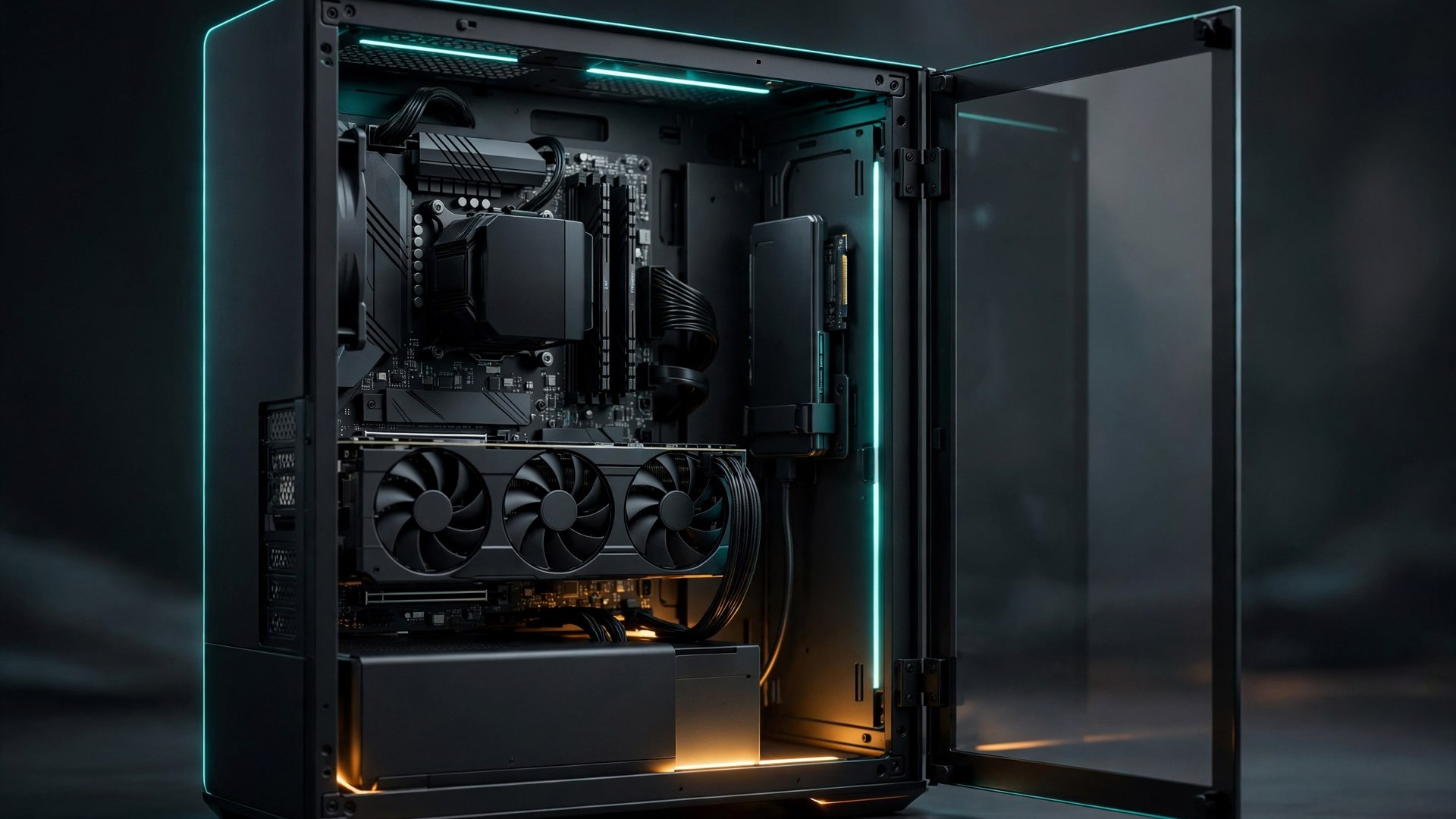
- No hardware requirements for a computer have been published, and there is no date for PC
All that is known is the console version. The number of 210GB must not be copied as is to a computer, but it also must not be ignored. Open-world games of this generation do not become smaller when they move to Windows. - The games assume SSD, and that is no longer a debate
If in the past a mechanical drive was “slow but works”, today it causes waits and long load times, and in some games also frame drops during world streaming. The correct planning is NVMe, not SATA and not an external drive. - Capacity is only half the story, the second is sustained speed
A download of 210GB, installation, update and more servers that skip between large files.A drive that writes fast only on the first boot and then drops is a drive on which all that update will take two hours.
The real calculation of 1TB
- A 1TB drive shows in Windows as about 931GB
This is not a bug and not a shortcut. Manufacturers measure in decimal trillion, Windows measures in gibi. 1TB equals 931GB in display, 2TB about 1,862GB, and 4TB about 3,725GB. Every capacity calculation starts from the number shown in Windows. - Windows, drivers and software take 80 to 120GB
This is our estimate from the lab, not a manufacturer specification. Operating system, drivers, browsers, game store, cooling and lighting tools, antivirus. After that, you start playing. - A 1TB computer after GTA 6 and CoD is approximately at the point of no return
931GB minus 120GB system, minus 210GB for the game, minus about 200GB for a large title with multiple modes, minus two games of 100GB.Less than 200GB remain free, and that is before season updates, shader cache and saves.
Three work divisions, not one correct purchase
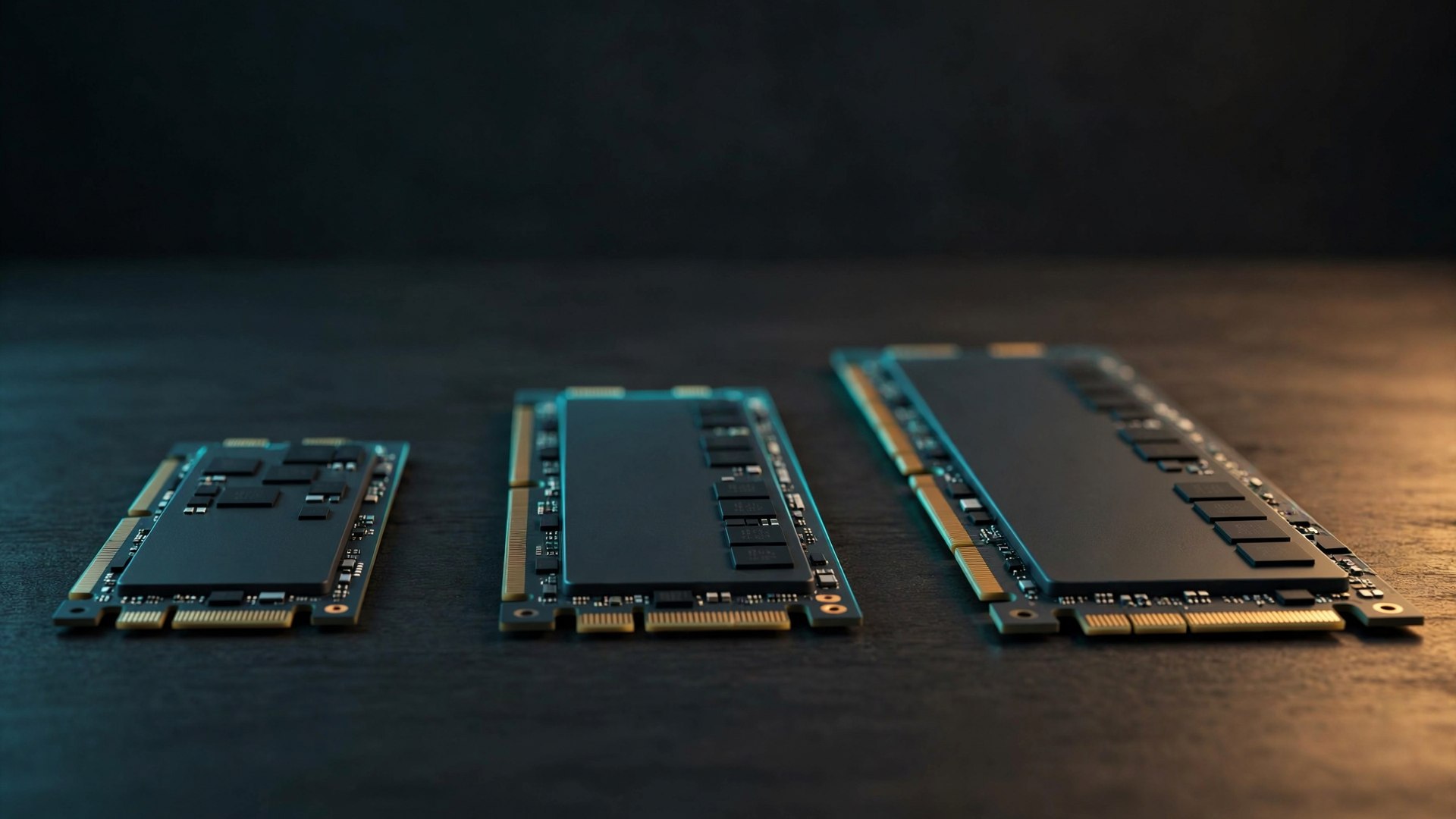
- 1TB for someone who plays one or two games
Suitable for someone who manages a small library and deletes without worry. In practice, a GTA 6 player with two more titles will hit the limit within a year, and will feel it with every update. - 2TB for the system, and this is the choice of most people
1,862GB displayed gives room for the system, ten large titles and updates, with breathing space. This is also the capacity where a good SSD stays fast for years, because an SSD is very slow when it is almost full. - 4TB in one drive, or 2TB for the system plus another 2TB for the library
For people who edit video, run local models or keep a large library. Two drives give flexibility: the first for the system and the games you play now, the second for archive and library.One 4TB is more convenient to install but more expensive per unit.
What really matters in a drive, beneath the sticker
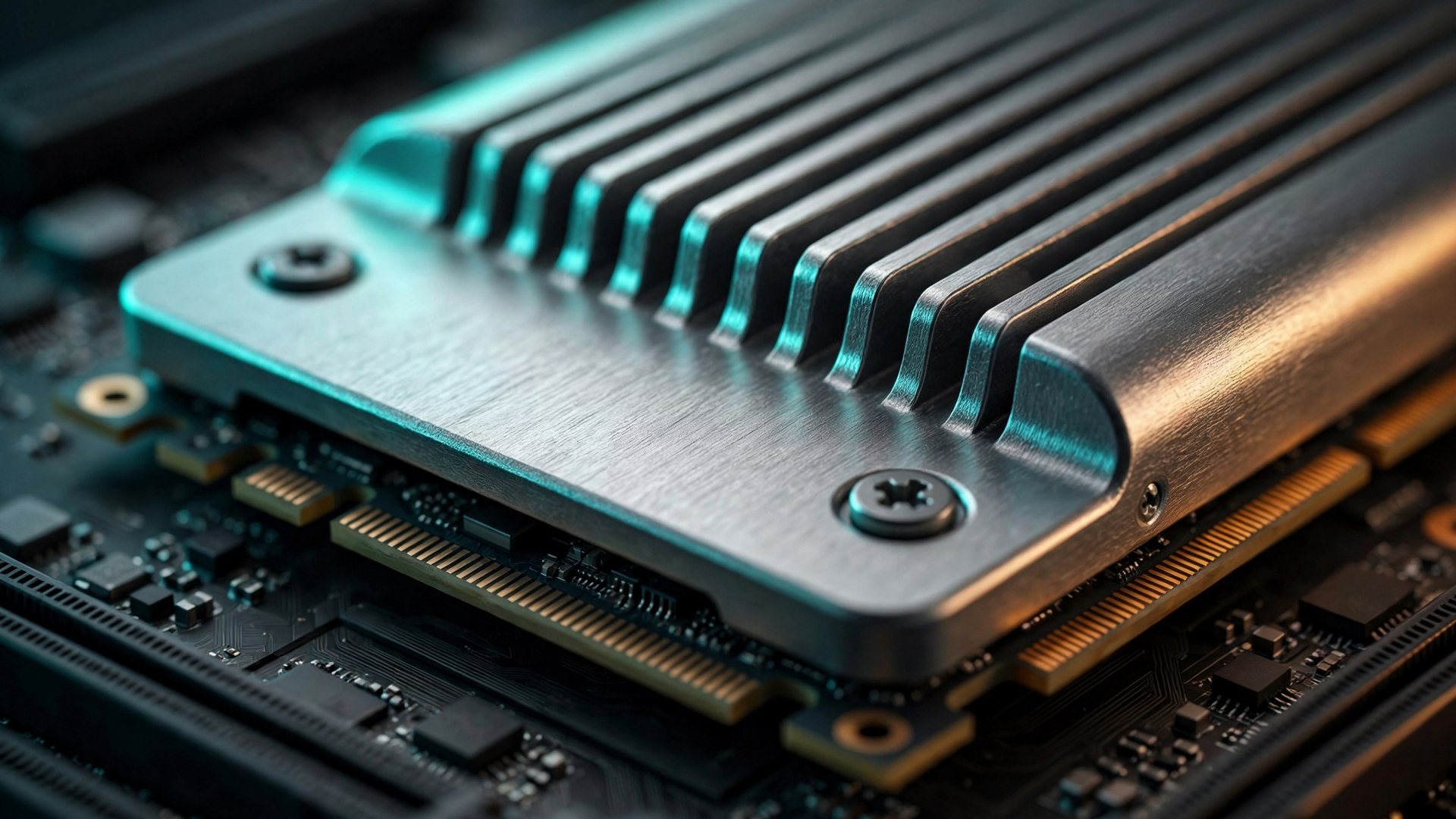
- DRAM and cache memory determine more than the speed in the ad
A cheap drive without DRAM that gets 210GB of sequential write reaches a point where it slows down greatly. The maximum speed on the package is measured in a short burst, not in a long installation. - A good Gen4 is preferable to a cheap Gen5
For games, the difference between Gen4 and Gen5 in loading is much smaller than the difference between a quality drive and a cheap drive. Money that goes to Gen5 at the expense of capacity is usually money in the wrong direction. - Cooling is not decoration
Gen5 drives get hot, and without a heatsink or at least a thermal shield on the motherboard they reach performance throttling.If your motherboard comes with such a shield, it is worth checking that it covers the slot where the drive will go.
Before buying: four checks on the motherboard
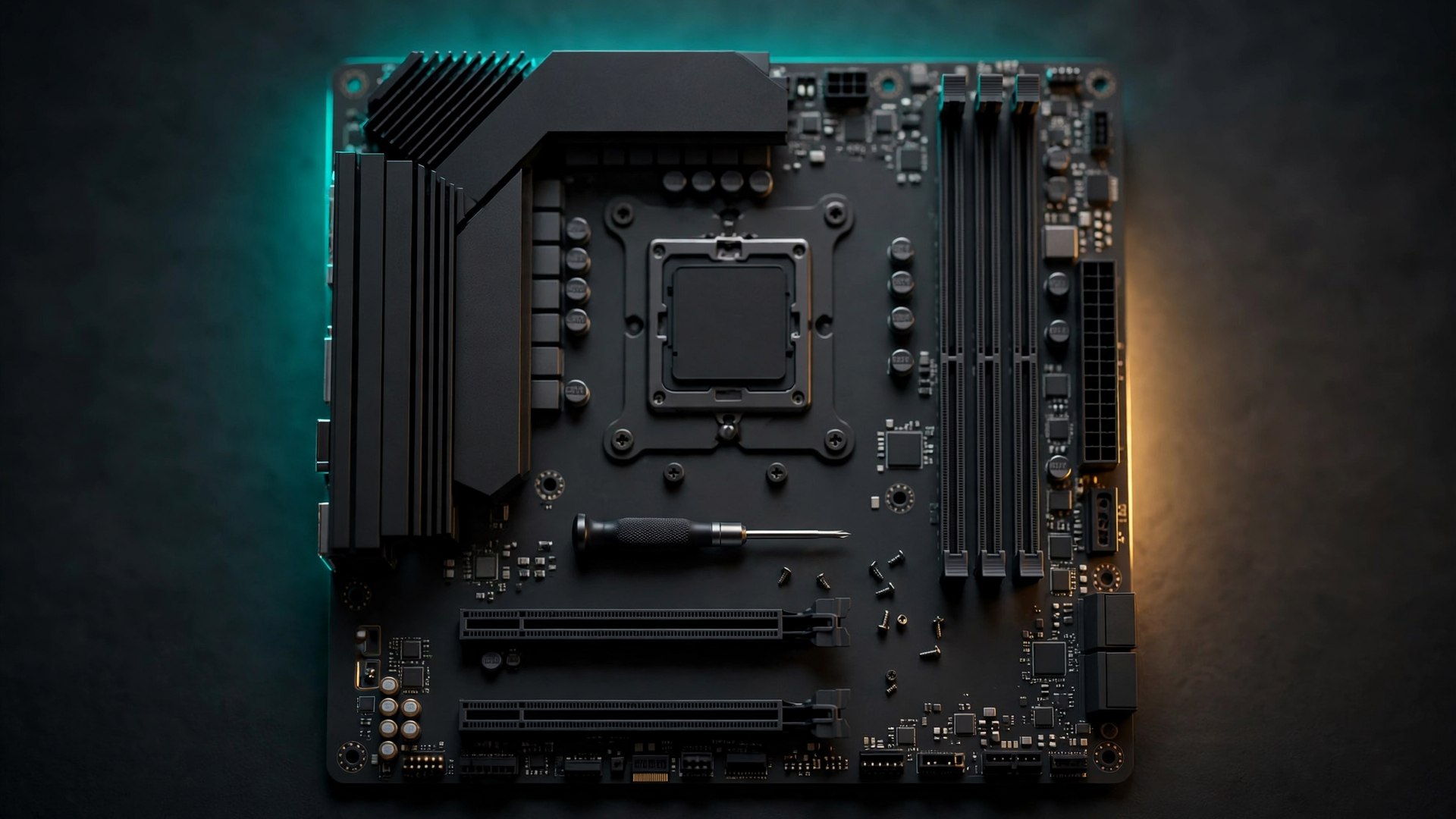
- How many M.2 slots there are, and what they share
Popular motherboards have two or three slots, and sometimes using the second lowers the connection speed of the graphics card or disables a SATA port. This is written in the motherboard manual, and it changes the plan before buying. - Does the second drive come with a heatsink
Not all slots are covered with a thermal shield, and not every drive includes cooling. A library drive that does not write much can manage without, a Gen5 drive that runs games cannot. - A backup plan, not just capacity
A game can be downloaded again. Save files, screenshots and projects cannot.A second drive is also a place for local backup, and that is a consideration unrelated to gaming but relevant to anyone who works on the computer. - If you buy now, you buy with room to grow
Prices in the storage market are not heading for a sharp decline, and games are not going to get smaller. One large drive today is cheaper than two upgrades in a year, as long as you choose a capacity that suits the library and not the budget of the moment.
The market is not heading for a price drop
- Cheap storage is not coming back soon
HBF technology, which is talked about as the next step after NAND, is estimated to cost about $0.64 per gigabyte, but requires 6.5 times more silicon wafers than a regular TLC drive. That is, even if the price per unit falls, production capacity remains a bottleneck. - At the same time there are real deals
A 4TB drive from the 990 PRO segment got a $300 cut, and that is a sign that large capacities are entering a reasonable price range. These two signs live together: the average price is not falling, but the large models are becoming more worthwhile relative to the small one. - Users themselves are keeping hardware for more years
Steam’s October 2026 hardware survey returned 16GB of memory to first place with 41.42 percent, after 32GB led in September, and put the RTX 3060 in first place among graphics cards.When the upgrade is expensive, people upgrade fewer times, and this is exactly the time to buy a capacity that is enough for three years and not for one.
Bottom line, 210GB is not a forecast and not a threat. It is a reminder that a gaming computer is built around the library and not around the latest game, and that in 2026 1TB is a starting point, not a goal.
Building a computer and want to know what capacity and number of drives suit your library? You can start with the XMODZ PC builder, or send us the list of games and the budget, and we will come back with a specification.